The most reliable Gravity Forms CRM integration is a small plugin that listens for each form submission inside WordPress and sends it straight to the CRM’s API. Webhooks and middleware work until something on either side changes, and when they fail they usually fail silently: the visitor sees “thank you,” and the lead never reaches your sales team.
I learned how expensive that silence can be from a car shipping company. Here is what went wrong, how I fixed it, and what any form to CRM connection should do if leads are your business.
How leads go missing
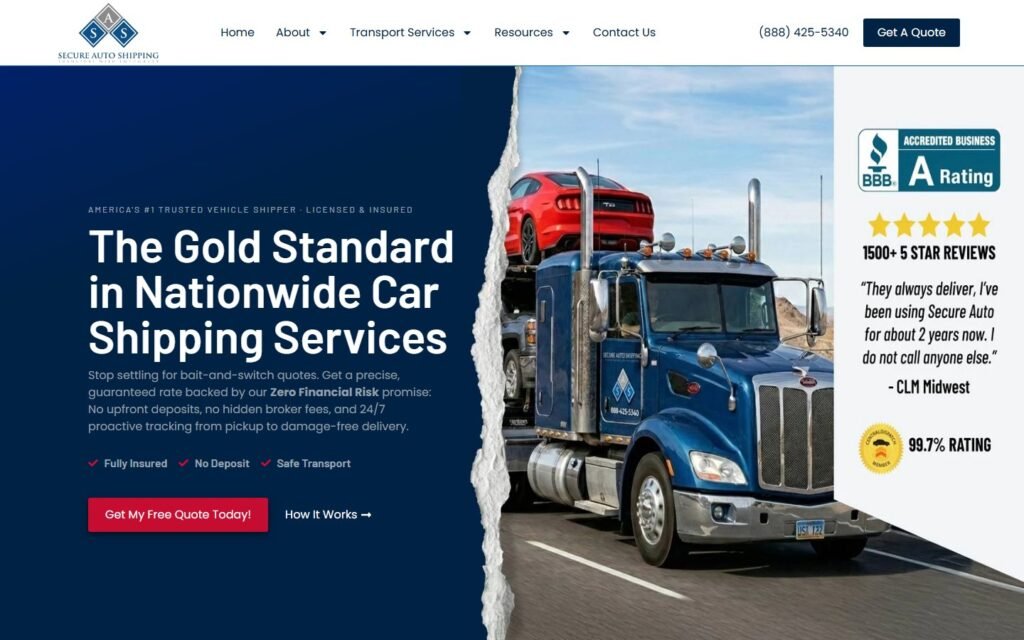
Secure Auto Shipping sells nationwide car transport. Every lead starts as a quote request on their site, built with Gravity Forms, and every lead has to land in BATS CRM, the system their dispatchers work from.
The connection between the two was a webhook URL supplied by the CRM. The problem: every time BATS CRM pushed an update, the webhook changed. The form kept accepting quote requests, the visitor kept seeing a thank you message, and the requests stopped arriving at the dispatch desk. Nobody knew until someone noticed the quote numbers looked low.
For a business where each lead can be a high-ticket shipment, a few silent days is real money. And no plugin existed for this connection.
The fix: talk to the CRM directly
I built a standalone WordPress plugin that acts as an update-resistant bridge between the two systems:
- It listens inside WordPress. Gravity Forms announces every completed submission through its own hooks, such as gform_after_submission. The plugin picks the entry up the moment it is saved, so no lead waits on a third-party queue.
- It maps every field. Vehicle details, pickup and delivery locations, ship dates and contact details are translated into the exact JSON structure the CRM expects.
- It targets the stable endpoint. Instead of a disposable webhook URL, it sends to the CRM’s core endpoint, which does not change when the CRM updates.
- It stands alone. No Zapier, no middleware and no workflow add-ons. The lead path is short, and the client owns all of it.
An agency would have quoted $5,000 or more to scope and build that integration from scratch. The connector did it without the agency price or a monthly middleware bill. It is part of the full rebuild in the Secure Auto Shipping case study, where daily leads went up 42%.
What every form to CRM integration should do
Whether you build or buy, hold your integration to these standards:
Keep a copy of every lead in WordPress
Gravity Forms stores entries by default. Do not switch that off to save space. If the CRM is down, the entry still exists and can be sent again.
Send in the background when you can
A visitor should never wait on your CRM to answer before they see the confirmation. Long or slow API calls belong in a background task, so the form stays fast.
Check the answer, not only the request
A request that goes out is not a lead that arrived. A good integration reads the CRM’s response, treats an error as an error, and records it.
Tell a human when it fails
Failures should leave a trace somewhere a person will see it: a log, an admin notice or an email. Silent failure is the real enemy.
Keep keys out of the browser
API keys belong in server-side settings, never in JavaScript on the page. Following WordPress’s plugin security practices covers the basics: check permissions, sanitize what comes in and escape what goes out.
Test it after every update
Submit a test lead after any update to the form plugin, the CRM or WordPress, and confirm it lands. It takes a minute and catches the problem before your customers do.
Zapier, webhooks or a custom plugin?
Each has its place:
- A native add-on. If Gravity Forms or your CRM offers an official, maintained add-on for the connection, start there.
- Zapier or Make. Fine for low volume and simple mappings, but every lead now depends on a third service and a monthly bill.
- A webhook. Quick to set up, but brittle if the receiving URL changes, and failures are easy to miss.
- A custom plugin. The right call when no official connector exists, when the mapping is complex, or when lost leads cost real money.
I go through that decision in more detail in custom plugin or off the shelf, and the cost side in what a custom WordPress plugin costs.
Spam is a lead problem too
A CRM full of bot submissions wastes your sales team’s time and hides the real leads. Secure Auto Shipping’s rebuild included bot filtering on the forms, and every site I build gets spam protection that does not punish real visitors. It is part of the same job: making sure the leads that reach your CRM are real and complete.
Frequently asked questions
Can Gravity Forms send entries to any CRM?
If the CRM has an API, yes. Gravity Forms has official add-ons for several popular CRMs, and for the rest a small custom plugin can send each entry to the CRM’s API.
Why are my Gravity Forms leads not showing up in my CRM?
The usual causes are a changed webhook URL, an expired API key, a required CRM field the form does not send, or the CRM rejecting the data format. Check the form’s entries first: if the lead is there but not in the CRM, the connection is the problem.
Do I still need Zapier with a custom integration?
No. A custom plugin sends leads from WordPress to the CRM directly, so there is no middleware and no monthly fee for it.